
puq.ai helps teams automate repetitive tasks, boost productivity, and focus on high-impact work through intelligent workflow automation.
SMART AUTOMATION
Create complex workflows with our visual interface. No coding required - anyone can build automation.
Build WorkflowsAPP INTEGRATION
Connect Slack, Google, Microsoft and more. Integrate all your favorite apps in one platform.
Explore IntegrationsDiscover workflow automation in simple steps
Select the event that will start your workflow (e.g., new email, form submission, file upload)
Specify what actions should happen when the trigger occurs and connect your apps
Complete the settings, test your workflow, and activate it to run automatically
Track performance, review reports, and continuously improve your workflows
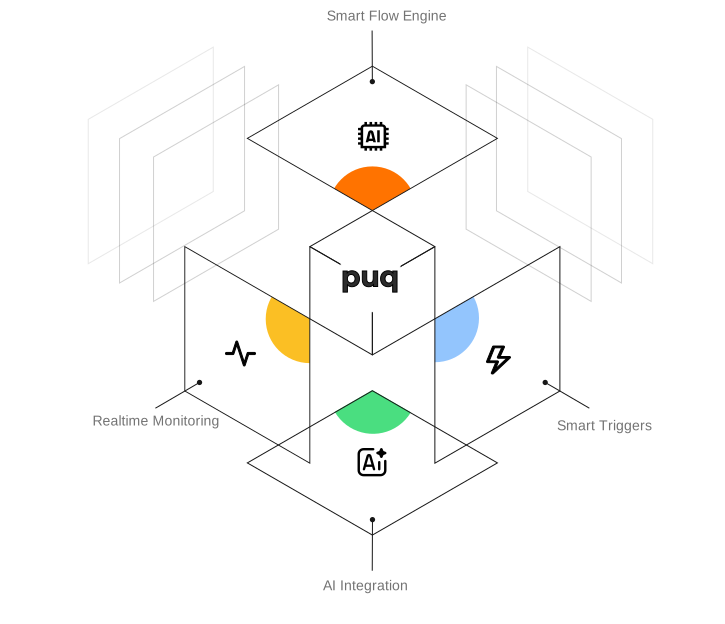
The trusted, powerful, and easy-to-use platform for automating your business processes
Enterprise-grade security and 99.9% uptime guarantee ensures your workflows run uninterrupted.
Automate complex business processes with advanced logic rules and conditional branching.
Share workflows, collaborate with team members, and easily manage permissions.
Create and activate your workflows in minutes. No coding knowledge required.
Your data is protected with end-to-end encryption and GDPR-compliant security protocols.
Scales from small teams to large enterprises, adapting to your growing needs.
Create complex workflows without coding using our visual workflow interface
Integrate 300+ apps and bring all your tools together in one platform
Monitor workflow performance with real-time tracking and analytics
Share and collaborate on workflows with powerful team collaboration tools