
Free usage is now available on puq.ai
Integrations Templates Blog Pricing

Workflow Builder

Build production-ready automations visually

Design multi-step workflows with clear triggers, actions, conditions, approvals, and AI steps. Teams can move from an idea to a reliable workflow without waiting on engineering.

Core Capabilities

What this feature helps your team do

Visual canvas

Map every step clearly

Drag actions into place, connect branches, and understand the full process at a glance.

Logic

Add conditions and branches

Route work by field values, status, user input, or any data returned by earlier steps.

Testing

Test before publishing

Run workflows with sample data, inspect outputs, and fix issues before they reach production.

Workflow builder components

Built for operators

A builder that stays readable as workflows grow

Complex automation fails when nobody can understand it later. puq.ai keeps each step, decision, and data handoff visible so teams can maintain workflows with confidence.

  • Reusable workflow blocks
  • Step-by-step execution logs
  • Clear data mapping between actions
  • Safe publishing and rollback paths

How It Works

A practical path from setup to production

1

Choose a trigger

Start from an app event, schedule, webhook, form submission, or manual run.

2

Add actions

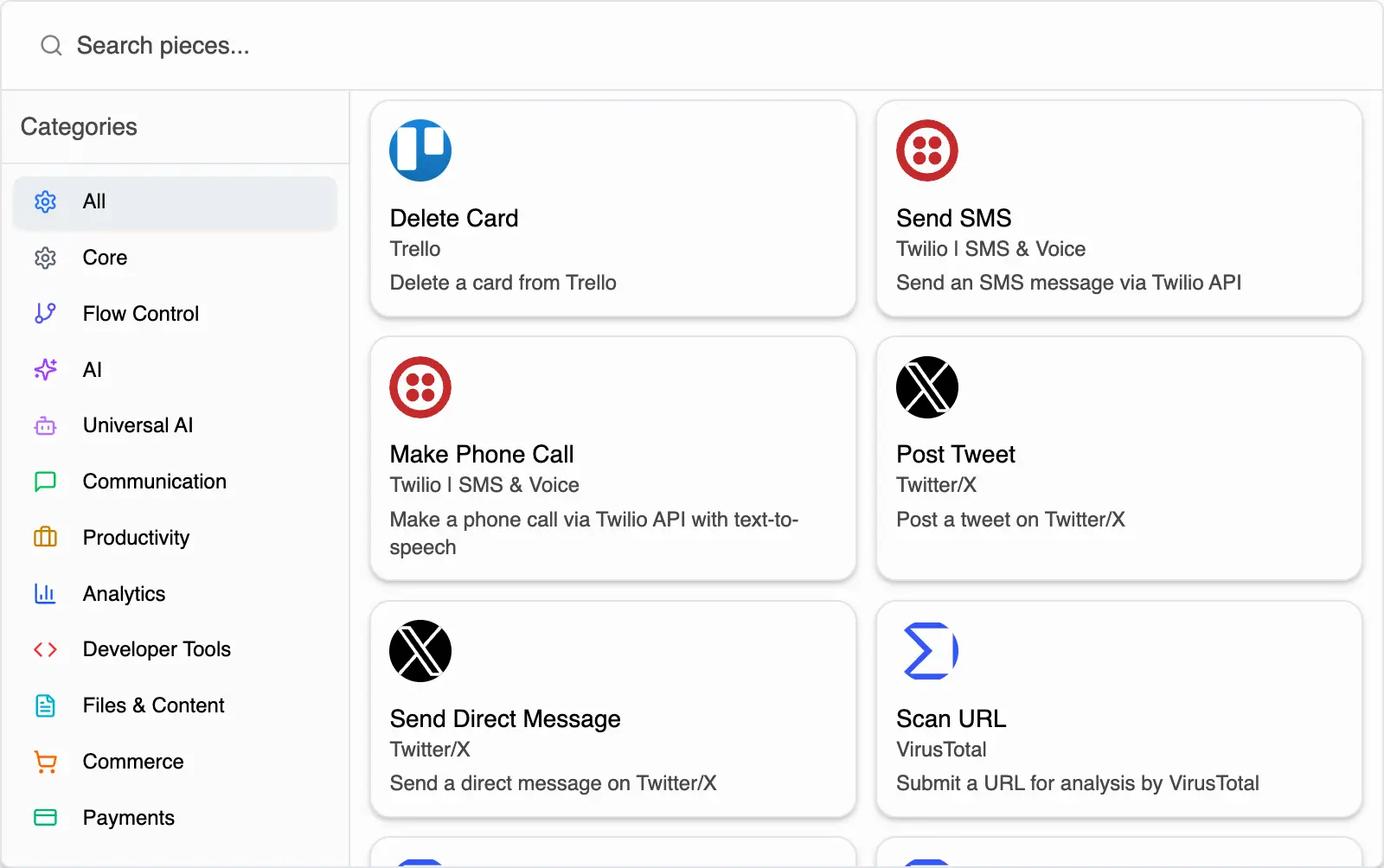
Connect apps, transform data, call APIs, run AI steps, and send notifications.

3

Control logic

Use filters, branches, approvals, and error handling to match real business rules.

4

Publish safely

Test, launch, monitor, and improve the workflow from one place.

Common Use Cases

Where teams use Workflow Builder

Lead routing and enrichment Support ticket triage Approval and handoff processes Data sync between business tools

Workflow Builder questions

Clear answers about how this capability fits into real workflow automation.

No. The builder is designed for no-code workflow creation, while still allowing advanced teams to add custom code or API calls when needed.
Yes. You can add filters, branches, approvals, and fallback paths so workflows respond to real data instead of following one fixed route.
Yes. You can run workflows with test data and inspect step outputs before making them live.
Yes. Operators can manage the workflow structure visually while technical users can handle custom logic, integrations, and governance where needed.
Automate Every Job

Ready to automate?