
















Connect your apps, automate repeatable work, and launch reliable AI-powered workflows without code.
Explore the core automation layer.
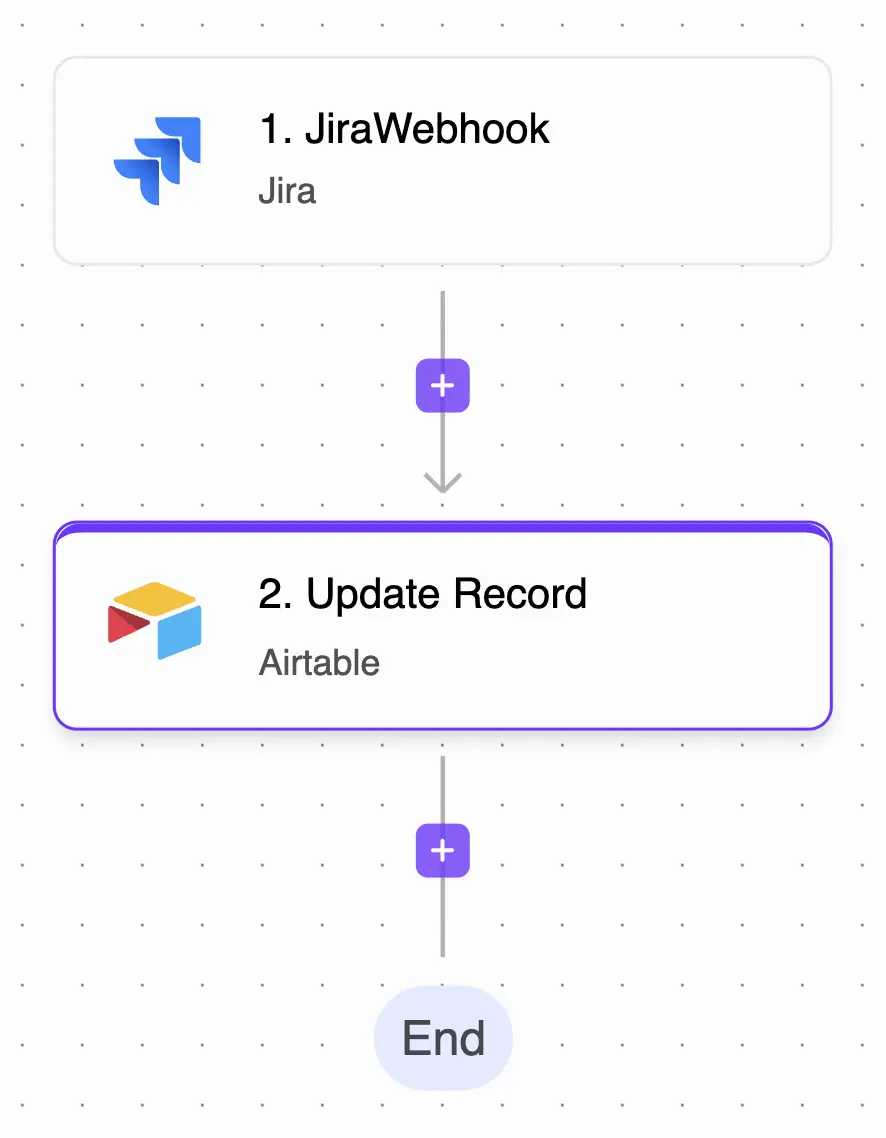
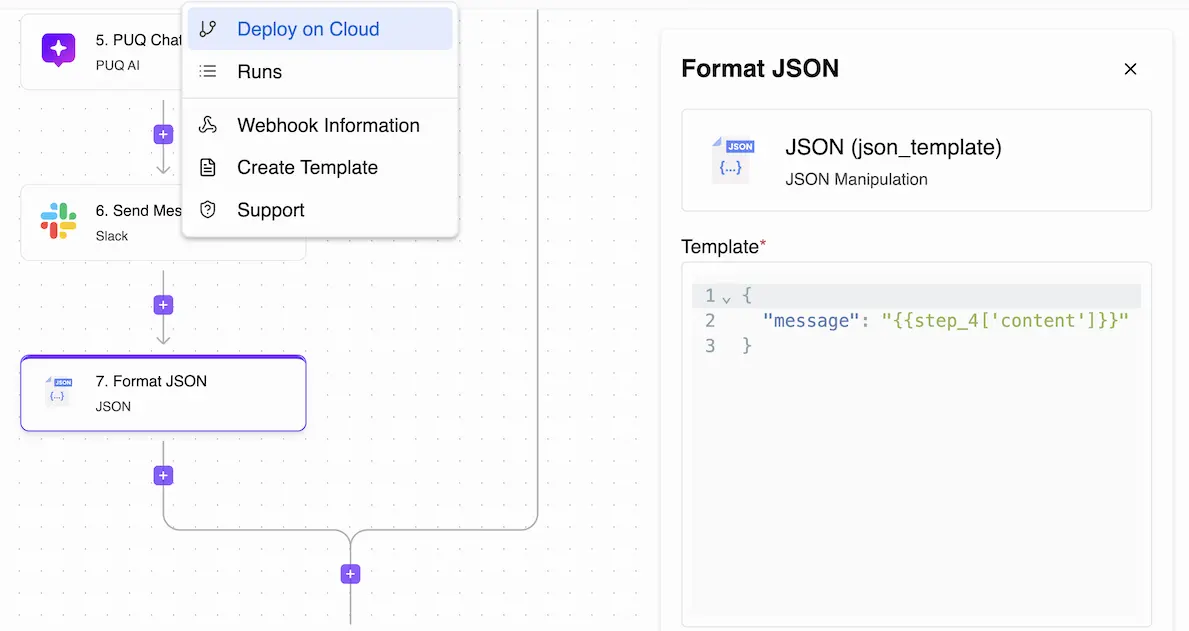
Design workflows on one canvas.
Keep every step visible.
Build, protect, and monitor workflows.
Pause sensitive workflow steps until the right person approves.
Accept requests through protected webhook URLs before routing sensitive runs into the approval flow.
Use workflow data, thresholds, requester details, and environment values to decide when approval is required.
Pause any workflow at a critical point, notify reviewers through email or Slack, and resume based on approve/reject decisions.
Send approved runs forward, reject unsafe changes, or trigger a follow-up path when more context is needed.
Keep reviewer, timestamp, request payload, and final decision details attached to every governed run.
Reuse, share, and version workflows.
Share proven automations across teams and manage who can view, edit, or improve them.
Launch faster with pre-built workflows for lead management, campaign automation, customer service, and more.
Download complete workflow configurations, share them with teammates, restore backups, or move them between environments.
Record changes, add commit messages, compare versions, and roll back safely when a workflow needs recovery.
Collaborate on automation projects while keeping workflow ownership and editing rights clear.
Monitor every run in real time.
Track workflow runs as they happen with detailed execution logs and instant error alerts.
Measure execution times, success rates, resource usage, and business impact to optimize workflows.
Build reports around activity, ROI, bottlenecks, and automation performance across your teams.
Review past runs, debug failures, and understand exactly how data moved through each workflow step.
Use monitoring insights and recovery signals to keep important workflows running smoothly.
A calmer way to design, connect, and improve the automations your team depends on.
Map triggers, branches, approvals, and actions in one visual flow so teams can understand what will happen before the workflow goes live.
Bring apps, models, databases, and customer touchpoints into the same automation layer without turning every handoff into custom code.
Follow live executions, spot failed steps quickly, and use performance signals to improve the workflows that carry real business work.
Tools for building connected workflows.