

IMPORT & EXPORT
Download any workflow as a JSON file, share it with your team, or back it up — all in one click. Your automations are truly yours — portable, secure, and shareable by default.
Get Started Contact SalesClick the export button in the workflow editor, and instantly download a .json file containing your entire workflow configuration.
Your workflow's starting conditions, fully preserved in the exported file.
Every node in your pipeline, with its settings intact and ready to import.
Node positions, connections, and visual arrangement — your design stays the same.
Any annotations you've added to the canvas are included in the export.
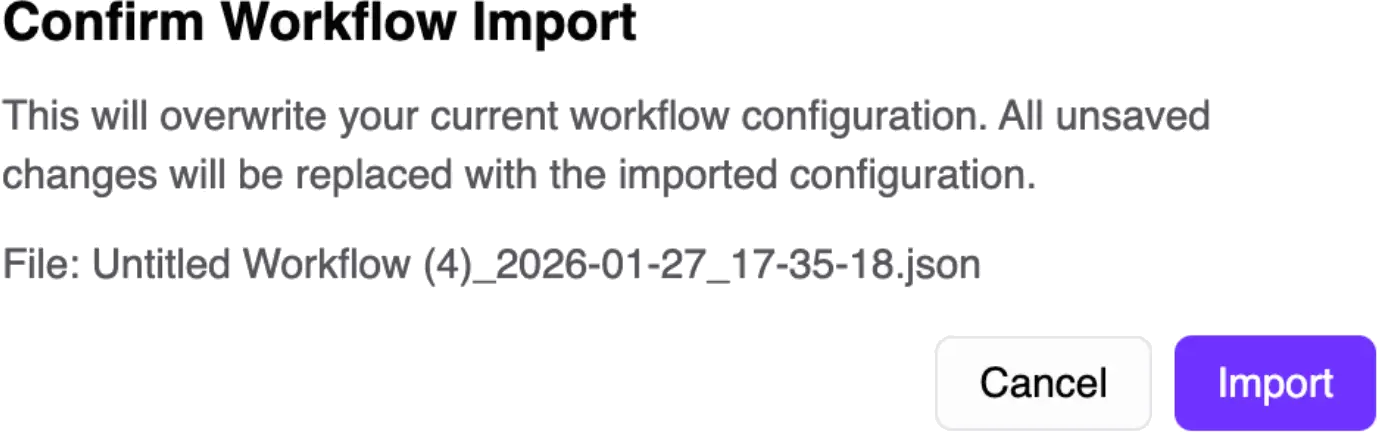
Before anything changes, the platform runs a comprehensive validation process on the uploaded file. You'll see a preview with any errors or warnings clearly displayed, and a confirmation dialog gives you a final checkpoint before the import applies.
The import/export feature fits naturally into several common scenarios.
Share a proven workflow with a colleague by sending them a JSON file, no account sharing needed.
Export snapshots of your workflows before making major changes, giving you a reliable rollback point.
Move workflows between development and production workspaces without manual rebuilding.
Build a workflow once, export it, and import it as the starting point for new projects.
Sensitive and internal data is automatically stripped during export. You get a clean, portable configuration file — nothing more, nothing less.
Internal IDs and timestamps are automatically removed
User information and publishing state are stripped
Clean naming format: my-workflow_2026-01-27_14-30-00.json
Portable configuration ready to share or archive
Join thousands of businesses that trust puq.ai to streamline their operations and boost productivity.
Get Started